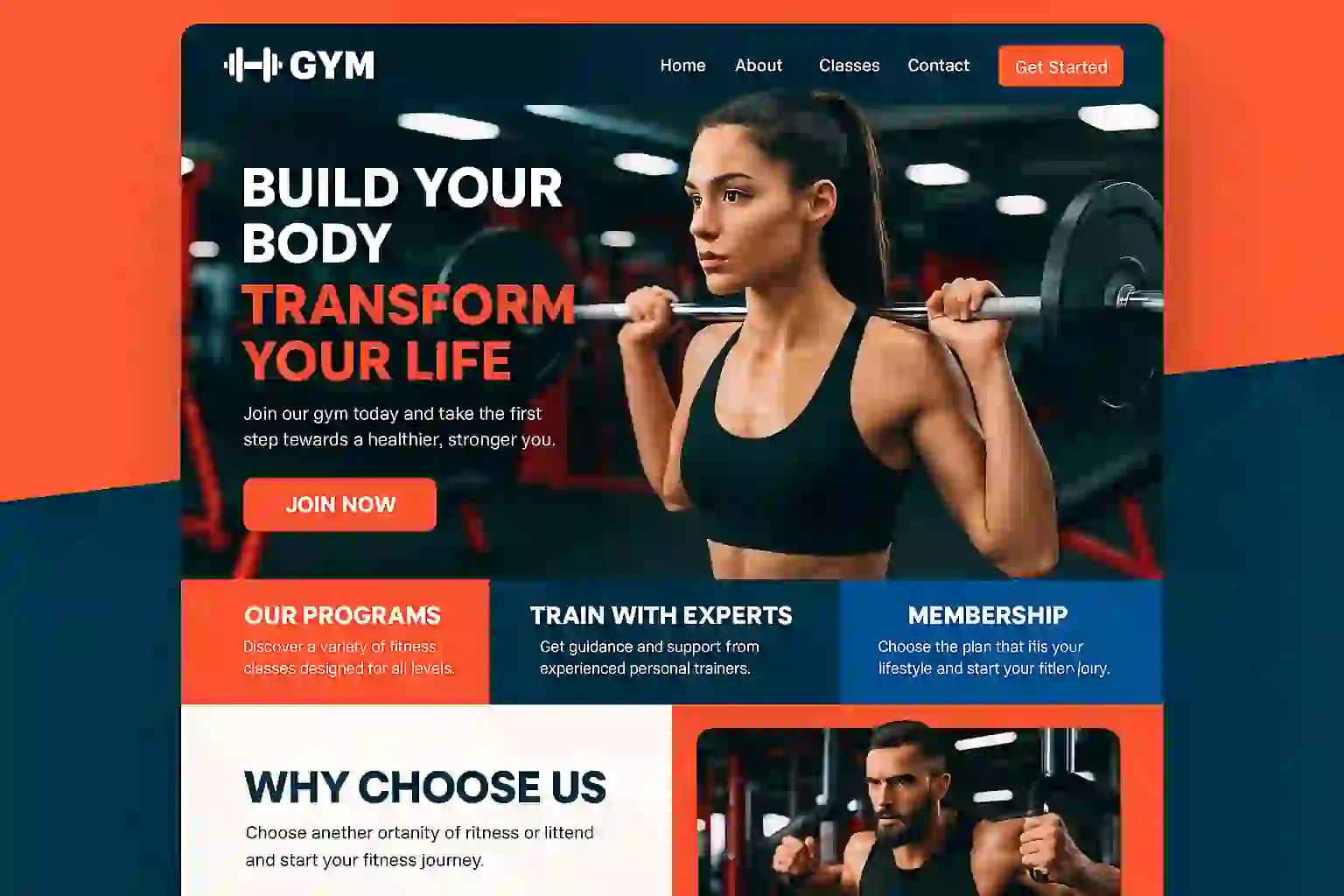
When potential members search for a gym, your website is often their first impression of your facility. In today’s digital landscape, website design for gyms isn’t just about looking good—it’s about creating an online experience that converts casual browsers into committed members. Whether you’re launching a new fitness center or revamping your existing online presence, understanding the essential elements of effective gym website design can mean the difference between a thriving membership base and empty equipment.
In this comprehensive guide, we’ll explore proven strategies, real-world gym websites examples, and actionable design principles that will transform your online presence into a powerful member acquisition tool.
Table of Contents
ToggleThink about the last time you searched for a service online. Did you trust a business with an outdated, confusing website? Probably not. Your potential members are making the same snap judgments about your gym.
The fitness industry has become increasingly competitive, with top fitness gyms in America investing heavily in their digital presence. A well-designed website serves multiple critical functions:
Studies show that 75% of users judge a company’s credibility based on website design alone. For gyms, where trust and community are paramount, this first impression can make or break your membership growth.
Creating an effective website design for gyms requires strategic planning of your site architecture. Let’s break down the critical gym sections that should form the foundation of your website.
Your homepage is like the front desk of your gym—it should be welcoming, informative, and guide visitors toward taking action. Here’s what belongs on an effective gym homepage:
Hero Section: Feature a high-energy image or video of your facility in action. Real members working out create authenticity that stock photos simply can’t match. Include a clear headline that communicates your unique selling proposition and a prominent call-to-action button.
Value Proposition: Within the first scroll, visitors should understand what makes your gym different. Are you a boutique CrossFit box? A family-friendly community center? A high-performance training facility? Make it crystal clear.
Social Proof: Display member testimonials, transformation photos, or the number of members you’ve helped. Nothing builds trust faster than seeing real results from real people.
Quick Links: Provide easy navigation to your most important pages—class schedules, membership pricing, free trial offers, and contact information.
This is where you showcase the heart of your offering. When designing this section, consider these elements:
Many successful gymnastics websites design their class pages with filtering options, allowing visitors to sort by time, intensity, or class type. This user-friendly approach helps potential members quickly find what they’re looking for.
Transparency builds trust. While some gyms hide pricing to force phone calls, modern consumers prefer upfront information. Structure your pricing page to include:
Tiered Options: Present 3-4 membership levels with clear benefits for each tier. Use comparison tables to make differences obvious.
What’s Included: Spell out exactly what members get—equipment access, classes, amenities, guest privileges, etc.
Trial Offers: Prominently feature any free passes, trial periods, or introductory rates.
FAQ Section: Address common pricing questions about contracts, cancellation policies, and payment options.
People join gyms for the community and expertise. Your about page should tell your story:
Authentic storytelling creates emotional connections that generic corporate speak never will.
Make it ridiculously easy for prospects to reach you:
Consider adding a chatbot or live chat feature for instant engagement during business hours.
Now that we’ve covered essential gym sections, let’s explore the design principles that separate high-performing gym websites examples from mediocre ones.
Over 60% of gym website traffic comes from mobile devices. People search for gyms while they’re out, comparing options on their phones. Your website design for gyms must prioritize mobile experience:
Test your website on multiple devices regularly. What looks perfect on your desktop might be unusable on a smartphone.
Your website should guide visitors toward conversion with intentional design choices:
Strategic Color Use: Choose a primary action color (often contrasting with your brand colors) for all CTAs. This creates visual consistency and trains users to recognize clickable elements.
Whitespace: Don’t cram everything above the fold. Strategic whitespace draws attention to important elements and improves readability.
Button Placement: Place CTAs at natural decision points—after explaining membership benefits, at the end of class descriptions, and throughout your homepage.
Action-Oriented Language: Replace generic “Learn More” buttons with specific actions like “Start Your Free Trial,” “Book a Tour,” or “Join Our Community.”
A slow website kills conversions. For every second of load time, conversion rates drop by approximately 7%. Optimize your gym website with:
Remember, many potential members might be browsing on gym WiFi or cellular data. Your site needs to perform well even on slower connections.
Stock photos of impossibly fit models in pristine, empty gyms don’t resonate with real people. Instead, invest in:
Professional Photography: Hire a photographer to capture your actual facility during busy hours. Show real members of diverse body types, ages, and fitness levels working out.
Video Content: Create short videos showcasing your facility, introducing trainers, or demonstrating proper form for popular exercises.
Member Transformations: With permission, feature before-and-after photos and success stories from actual members.
Behind-the-Scenes Content: Show equipment maintenance, staff training, or community events to build authenticity.
The most successful gym websites share common characteristics. Let’s examine what top fitness gyms in America are doing right:
Equinox’s website immediately communicates luxury and exclusivity. Their design features:
Takeaway: Your design should reflect your positioning. If you’re a premium gym, every element should communicate quality and exclusivity.
Planet Fitness targets beginners and casual gym-goers with a welcoming, straightforward approach:
Takeaway: Know your audience. If you target beginners, remove intimidation through friendly design and clear communication.
Successful CrossFit box websites prioritize community and results:
Takeaway: Highlight what makes your community special. If your gym’s strength is its culture, make that the centerpiece of your design.
Beautiful design means nothing if potential members can’t find your website. Implement these technical SEO strategies:
Most gym searches have local intent. Optimize for local discovery:
Beyond your core pages, develop content that attracts organic traffic:
Blog Topics: Create helpful content around common fitness questions:
Video Content: Embed YouTube videos on your site for exercise tutorials, facility tours, or member testimonials. Videos increase time on site and provide additional ranking opportunities.
FAQ Pages: Answer common questions about membership, classes, and policies. Structure these with FAQ schema markup for potential featured snippet opportunities.
Google’s Core Web Vitals are ranking factors that measure user experience:
Use Google Search Console to monitor these metrics and address any issues promptly.
Driving traffic to your gym website is only half the battle. Converting visitors into members requires strategic optimization:
Every additional step in your sign-up process increases abandonment rates:
Build credibility through strategic placement of trust elements:
Not everyone converts on their first visit. Implement strategies to bring them back:
Learn from these frequent pitfalls to avoid sabotaging your own website:
Nothing sends visitors running faster than unexpected audio. Always give users control over media playback.
While you might think forcing phone calls increases conversions, most modern consumers will simply leave and check out a competitor who’s more transparent.
Nothing screams “we don’t care” like a blog with the last post from 2019 or a class schedule that hasn’t been updated in months. If you can’t maintain it, don’t include it.
One strategically timed pop-up can boost conversions. Five pop-ups before someone can even read your content will destroy user experience and increase bounce rates.
Your website should be usable by everyone, including people with disabilities. Implement:
We’ve all seen the same stock photos of impossibly attractive people in spotless gyms. They don’t build trust or authenticity. Invest in real photos of your actual facility and members.
Modern gym websites can leverage technology to provide exceptional user experiences:
Integrate scheduling software that allows members to:
Popular options include Mindbody, Zen Planner, and Glofox.
Provide logged-in members with access to:
360-degree virtual tours or video walkthroughs let potential members explore your facility from home. This is especially valuable for:
Implement chatbots to handle common questions instantly:
This provides immediate answers while reducing staff workload.
Launching your website is just the beginning. Ongoing maintenance ensures continued performance:
Track these key metrics monthly:
Use Google Analytics and Google Search Console to monitor these metrics and identify improvement opportunities.
The digital landscape evolves constantly. Position your website for future success:
With the rise of smart speakers and voice assistants, optimize for conversational queries:
Video consumption continues to grow. Develop a video content strategy:
Future websites will deliver customized experiences based on user behavior:
As fitness trackers and smartwatches become ubiquitous, consider integrations that:
Effective website design for gyms goes far beyond aesthetics—it’s about creating a digital experience that builds trust, communicates value, and converts visitors into loyal members. By implementing the strategies outlined in this guide, you’ll create a website that serves as a 24/7 salesperson, working tirelessly to grow your membership base.
Remember these key takeaways:
Your website is often the first interaction potential members have with your gym. Make it count. Whether you’re inspired by gymnastics websites design or studying gym websites examples from industry leaders, the principles of user-focused design remain constant: clarity, authenticity, and conversion optimization.
Ready to transform your gym’s online presence? Start by auditing your current website against the criteria in this guide. Identify your biggest gaps, prioritize improvements, and commit to creating a website that truly represents the incredible experience you provide inside your facility.What’s your biggest website challenge? Share your questions in the comments below, and let’s build a community of gym owners committed to digital excellence.
Professional
Expert web development services to grow your business online
Custom website development
Launch a powerful online store
Increase your visibility on search engines
Lightning-fast loading speeds
Protect your digital investment
Learn how QR PH payment works for Philippine e-commerce. Compare PayMongo QR PH vs Xendit QR PH APIs, integration steps, and accepted merchants in 2026.
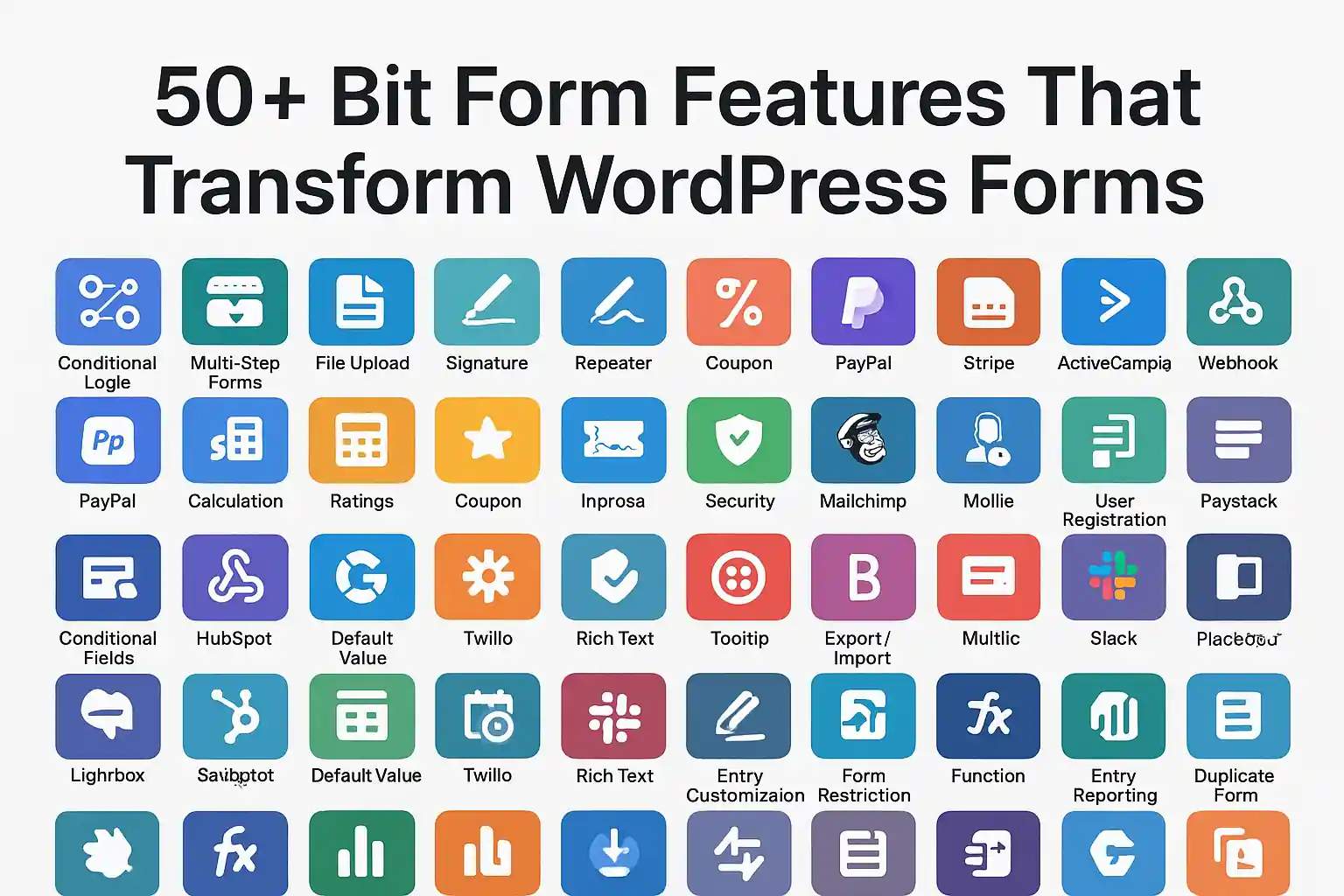
Explore 50+ bit form features including drag & drop, conditional logic, multi-step forms, analytics, and integrations. Master bitform WordPress plugin capabilities.
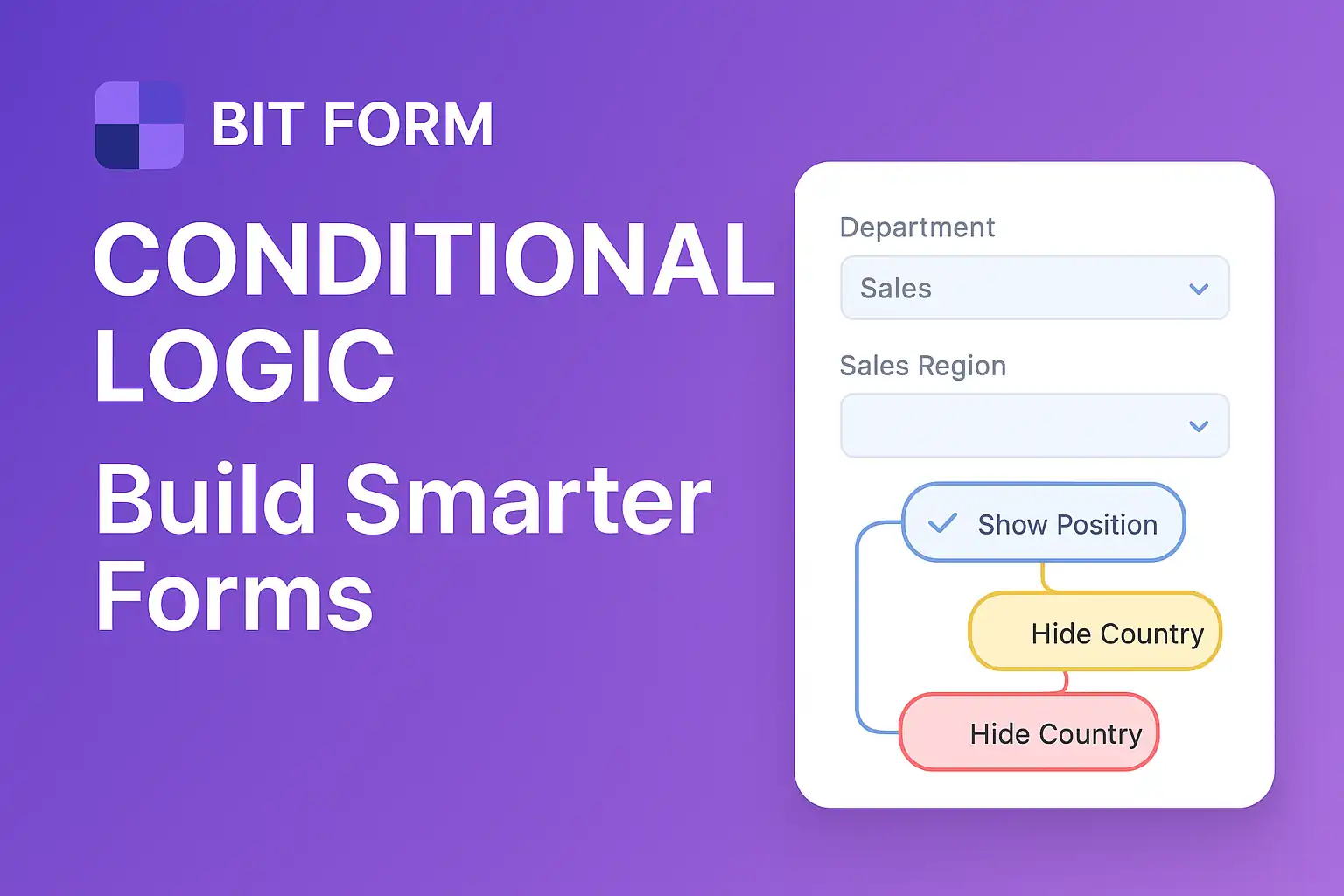
Master form conditional logic in WordPress with Bit Form. Learn how to create smart, dynamic forms using drag-drop builders and conditional rules step-by-step.
Learn Bit Form WordPress plugin inside out. Create contact forms, multi-step applications & surveys. Expert tips for conditional logic & styling.
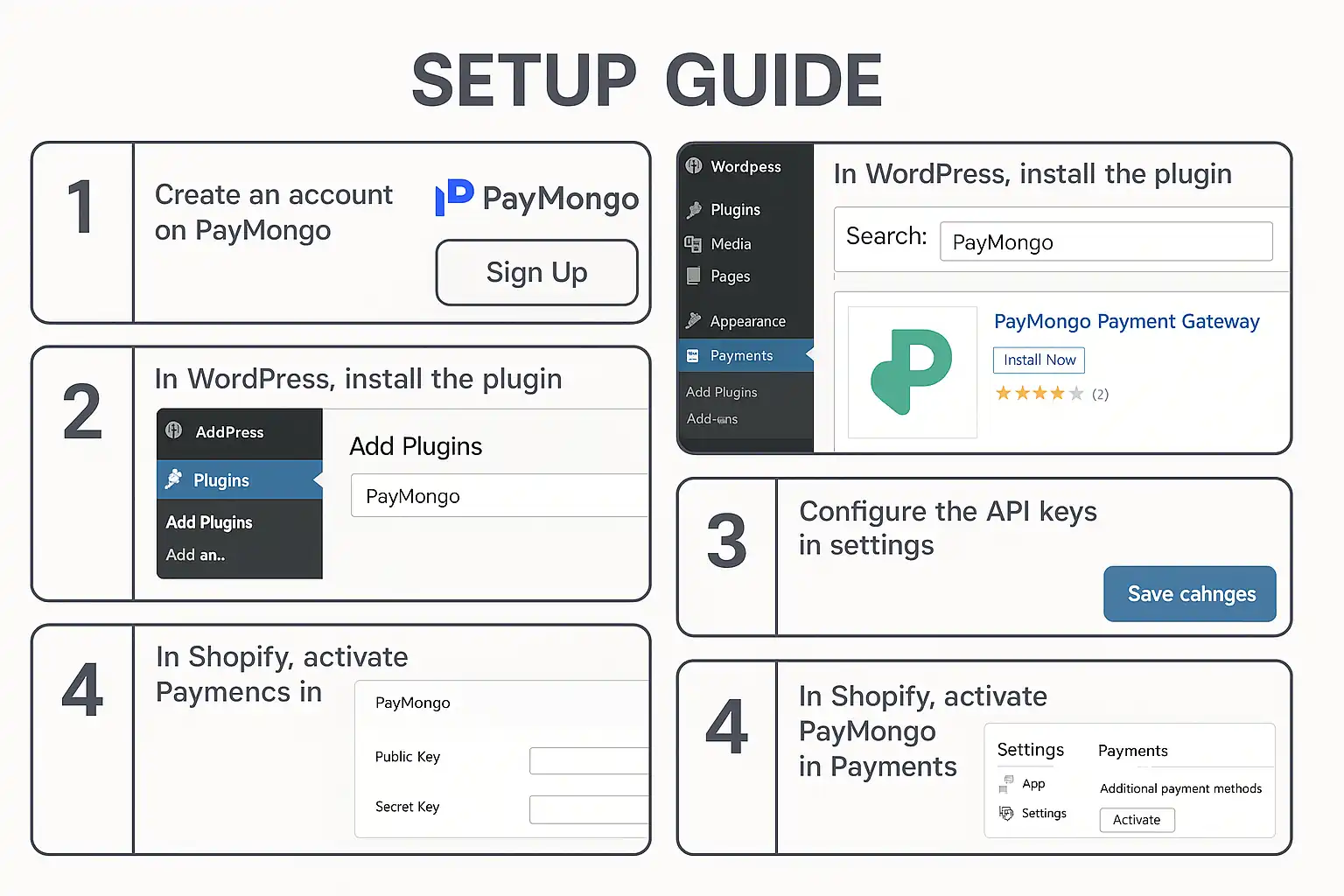
Guide to integrating PayMongo payment gateway with WordPress and Shopify. Learn about GCash, fees, webhooks, test cards, and developer tools.
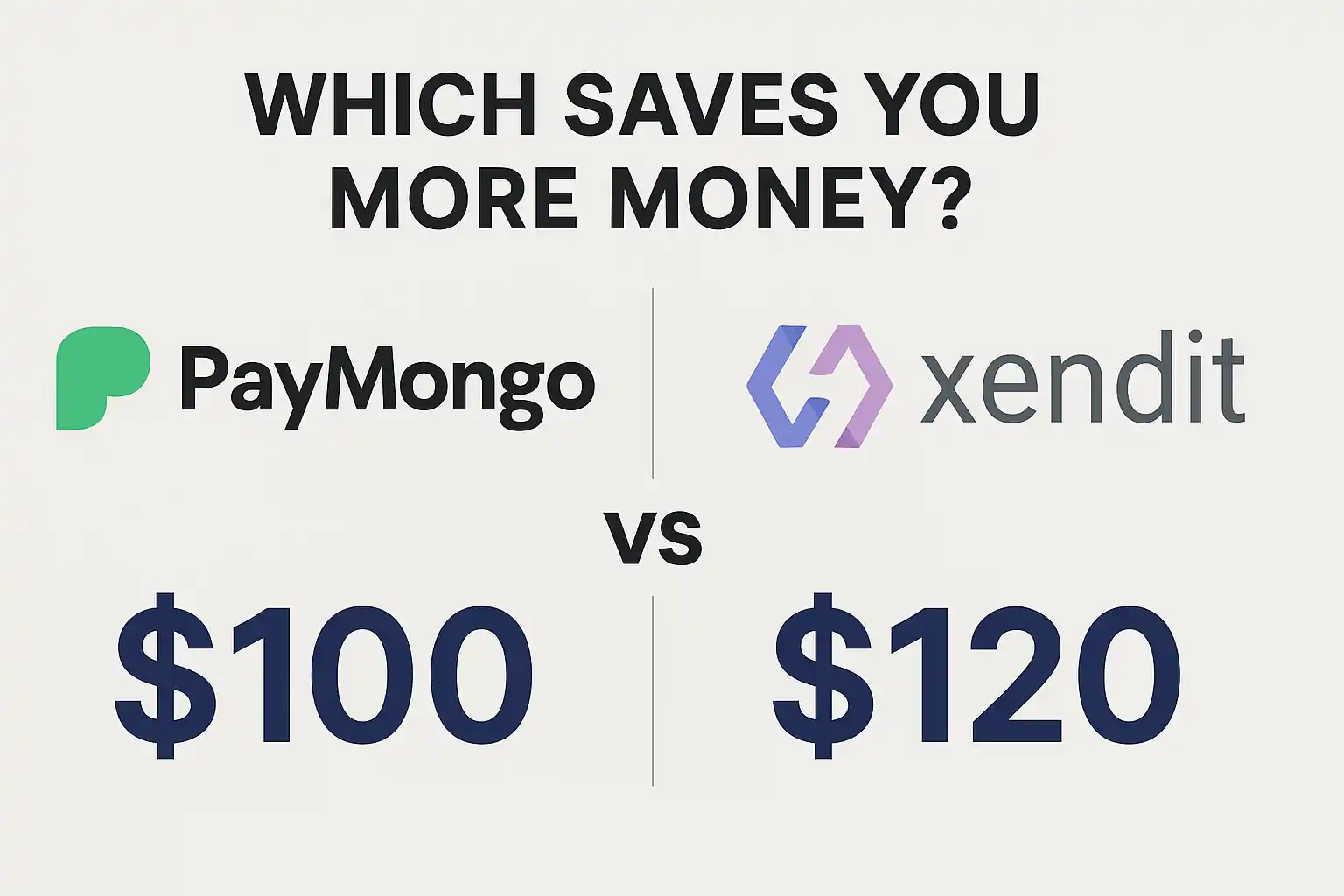
Compare PayMongo vs Xendit for your Philippine online store. Discover fees, features, integration options, and which payment gateway fits your business needs.

At KS Code, we specialize in crafting high-performing, visually stunning websites tailored to your business needs. From responsive designs to powerful e-commerce solutions, our goal is to help you stand out, engage users, and drive results online.