You’re losing sales if your Philippine e-commerce site doesn’t accept QR PH payments. Nearly 70% of Filipino consumers now prefer scanning QR codes over typing card details, yet many online stores still haven’t integrated this payment method.
QR PH is transforming how Filipinos pay online, and understanding how to implement it correctly is a key part of our wider guide on Payment Gateway Integration API for Philippine E-Commerce Sites 2025. This article dives deep into the technical and practical aspects of implementing QR code for payment systems specifically designed for the Philippine market.
Table of Contents
ToggleQR PH is a standardized QR code payment system developed by the Bangko Sentral ng Pilipinas (BSP) that allows customers to pay merchants by scanning a single QR code compatible with multiple e-wallets and banking apps. Instead of integrating separately with GCash, PayMaya, and other payment providers, merchants can display one QR PH code that works across all participating platforms.
The system works through a unified specification called EMVCo QR Code, which ensures interoperability between different payment service providers. When a customer scans your QR PH code using their preferred e-wallet app, the transaction details automatically populate, and they simply confirm the payment.
Here’s what happens behind the scenes:
The term “QR pay” refers to any payment transaction initiated by scanning a Quick Response (QR) code. In the Philippine context, QR pay specifically means using the standardized QR PH format that BSP mandates for interoperability.
Unlike proprietary QR codes (like GCash-only or PayMaya-only codes), QR PH follows a universal standard. This matters because it reduces friction at checkout. Your customers don’t need to ask “Do you accept GCash?” or “Can I use my BPI app?” If you display a QR PH code, the answer is automatically yes to all participating providers.
The technology uses dynamic QR codes that contain:
As of 2025, QR PH is accepted by virtually every major financial institution and e-wallet in the Philippines. The QR PH partners network includes:
E-Wallet Providers:
Banking Apps:
This universal acceptance is why QR PH payment method adoption has exploded. Your customers can use whatever payment app they already have installed, rather than being forced to download a specific app just to shop with you.
QR PH excels in these e-commerce scenarios:
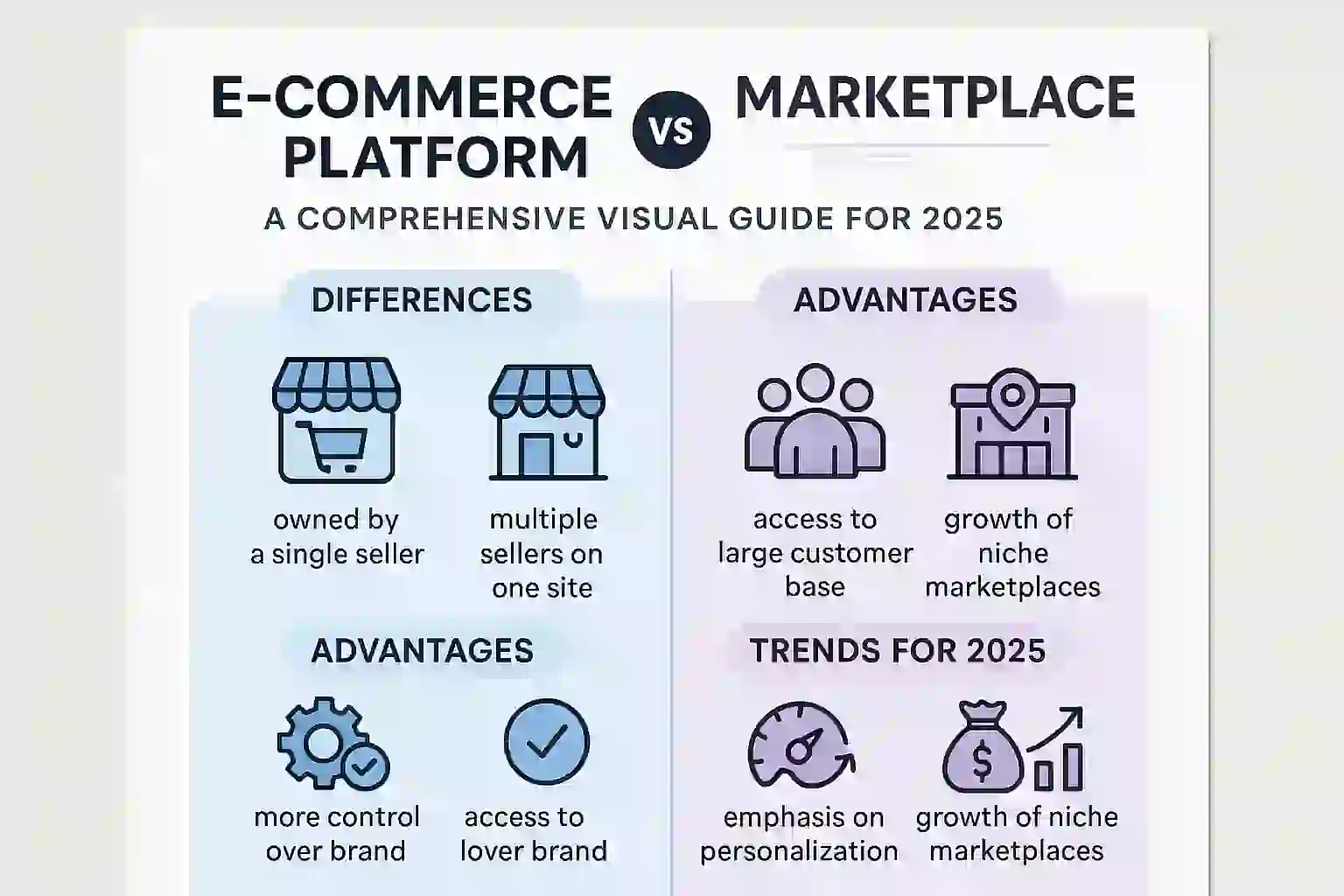
If you’re deciding between different business models, understanding payment method compatibility is crucial. Check out our guide on e-commerce platform vs marketplace to see how QR PH fits into different selling strategies.
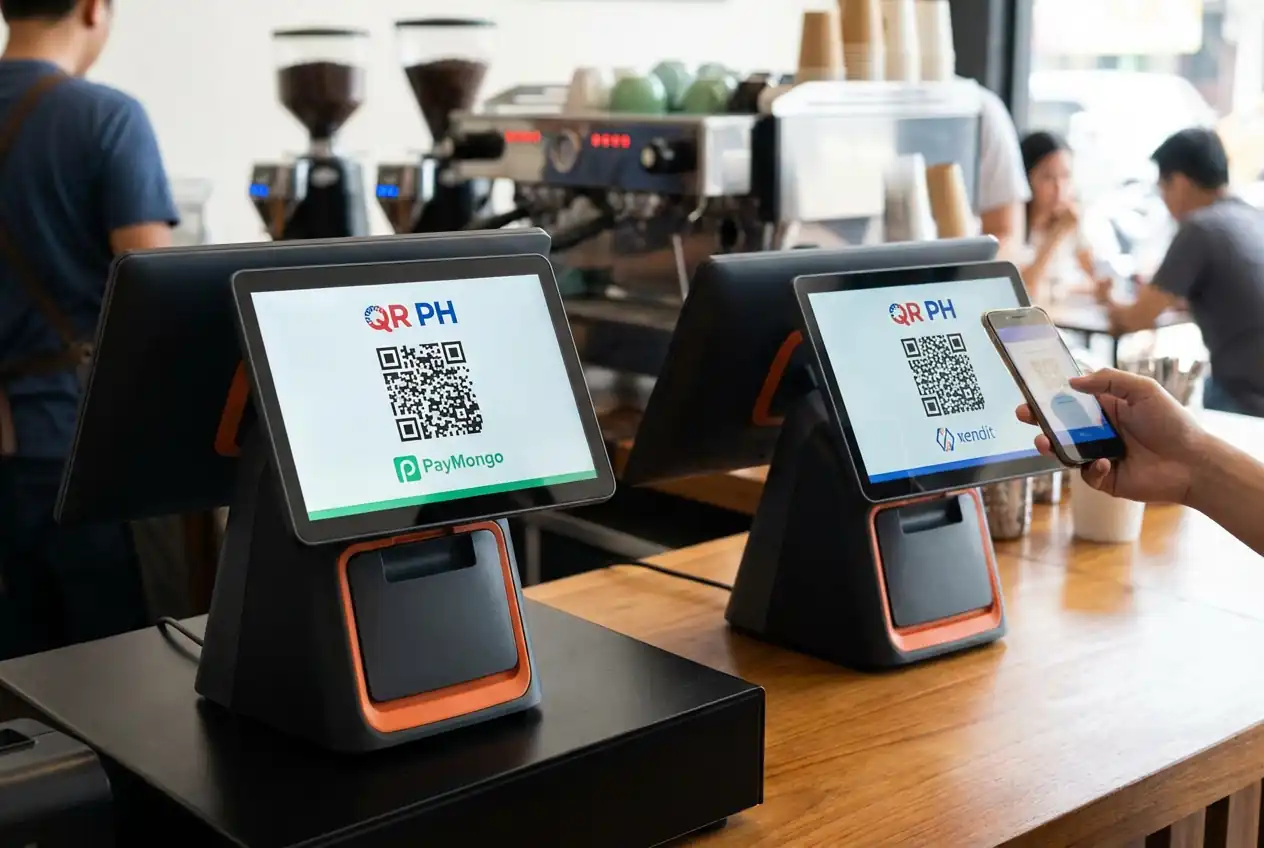
The two dominant payment gateway providers offering QR PH API access in the Philippines are PayMongo and Xendit. Both provide robust APIs, but their implementation approaches differ.
PayMongo QR PH API focuses on simplicity:
Xendit API offers more granular control:
We’ve written an in-depth comparison in our PayMongo vs Xendit article that examines the technical and financial trade-offs between these providers.
Here’s how to generate a QR PH code using the PayMongo API:
Step 1: Create a Payment Intent
POST https://api.paymongo.com/v1/payment_intents
Include the amount, currency (PHP), and payment method types (qrph).
Step 2: Retrieve the QR Code
The API returns a next_action object containing:
Step 3: Display to Customer
Show the QR code image on your checkout page with clear instructions: “Scan this code using any QR PH-compatible app.”
Step 4: Listen for Webhooks
Configure your webhook endpoint to receive payment confirmation events. The webhook payload includes transaction status, reference number, and customer details.
Xendit’s QR PH implementation follows a similar pattern but uses different endpoint structures:
Create QR Code:
POST https://api.xendit.co/qr_codes
Key differences:
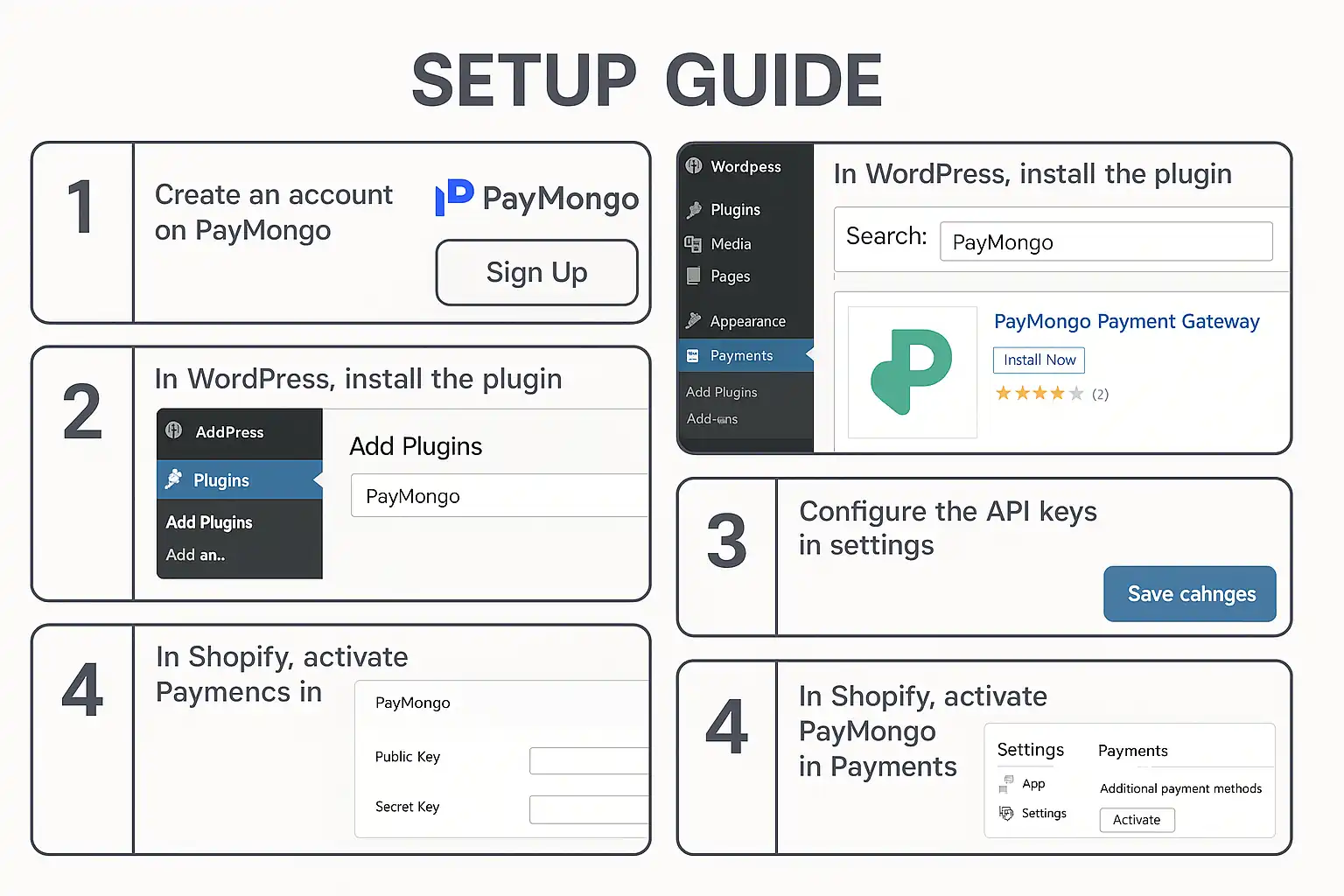
For WordPress or Shopify users, we’ve created a practical guide on PayMongo payment gateway setup that walks through the entire process without writing code.
While QR PH is essential for the Philippine market, relying on a single payment method limits your conversion potential. Smart e-commerce sites implement multiple payment gateway integration strategies.
Based on 2025 transaction data, the highest-converting Philippine e-commerce sites offer:
By integrating a payment gateway integration API that supports all these methods, you eliminate checkout abandonment due to payment preference mismatches.
Both providers support multiple payment methods beyond QR PH:
PayMongo API supports:
Xendit API supports:
The key is choosing a provider whose API architecture makes it easy to add payment methods without rewriting your checkout logic.
When we talk about QR PH payment in practice, we’re often really talking about QR PH GCash transactions. GCash commands approximately 65% of all QR PH scans in the Philippines due to its massive user base.
GCash’s dominance stems from:
For your e-commerce site, this means optimizing your QR PH implementation specifically for GCash users:
You might wonder: should I integrate directly with GCash instead of using QR PH?
Use direct GCash integration when:
Use QR PH when:
Most e-commerce sites benefit from offering both: QR PH as the universal option, plus direct GCash for customers who prefer it.
Your QR code implementation can make or break conversion rates. Follow these UX principles:
Mobile-First Design:
Clear Instructions:
Error Handling:
QR PH codes contain sensitive transaction data. Protect your implementation:
Before going live, thoroughly test using sandbox environments:
Both PayMongo and Xendit provide test credentials and sandbox environments specifically for QR PH testing.
Common causes:
Solution: Use the base64 image provided directly by your payment gateway API without modification.
The problem: Customer pays, but your system doesn’t receive confirmation for 2-3 minutes.
Solution: Implement a polling mechanism as a backup to webhooks. Check payment status every 5 seconds for the first minute after QR code generation.
The problem: Customers don’t understand how to use QR PH, especially older demographics.
Solution: Provide a fallback payment method (cards or bank transfer) and include a short video tutorial on your checkout page.
If you’re building for industries with diverse customer demographics, like food service, our restaurant web development guide covers payment method selection strategies for different audience types.
QR PH adoption will continue accelerating through 2025 and beyond. BSP is pushing for universal QR PH acceptance at all merchant touchpoints, both online and offline.
Emerging trends to watch:
For e-commerce developers, the message is clear: QR PH integration isn’t optional anymore. It’s a baseline requirement for competing in the Philippine market.
QR PH is a standardized payment QR code system mandated by Bangko Sentral ng Pilipinas that works across all participating e-wallets and banking apps in the Philippines. Unlike proprietary QR codes that only work with one provider (like GCash-only codes), QR PH codes follow the EMVCo universal standard, allowing customers to pay using any compatible app they prefer.
Yes, both PayMongo and Xendit offer QR PH API integration for Philippine e-commerce sites. PayMongo provides a simpler REST API with comprehensive SDKs, while Xendit offers more granular control and advanced reconciliation features. Both are BSP-compliant and support all major QR PH partners including GCash, Maya, and bank apps.
QR PH codes typically expire after 15-30 minutes depending on your payment gateway configuration. This expiration is a security feature to prevent unauthorized reuse of QR codes. If a code expires before payment, your system should automatically generate a new code for the customer.
No, that’s the primary benefit of QR PH. A single QR PH integration allows customers to pay using GCash, Maya, BPI, BDO, UnionBank, and 40+ other participating institutions. You don’t need separate API integrations for each e-wallet or bank, which dramatically simplifies your payment gateway integration.
If a customer scans your QR PH code but abandons the transaction in their e-wallet app, no payment is processed and no funds are transferred. The QR code will eventually expire (typically after 15-30 minutes), and you can generate a new code if the customer returns. Your webhook endpoint will only receive confirmation for completed, successful payments.
Professional
Expert web development services to grow your business online
Custom website development
Launch a powerful online store
Increase your visibility on search engines
Lightning-fast loading speeds
Protect your digital investment
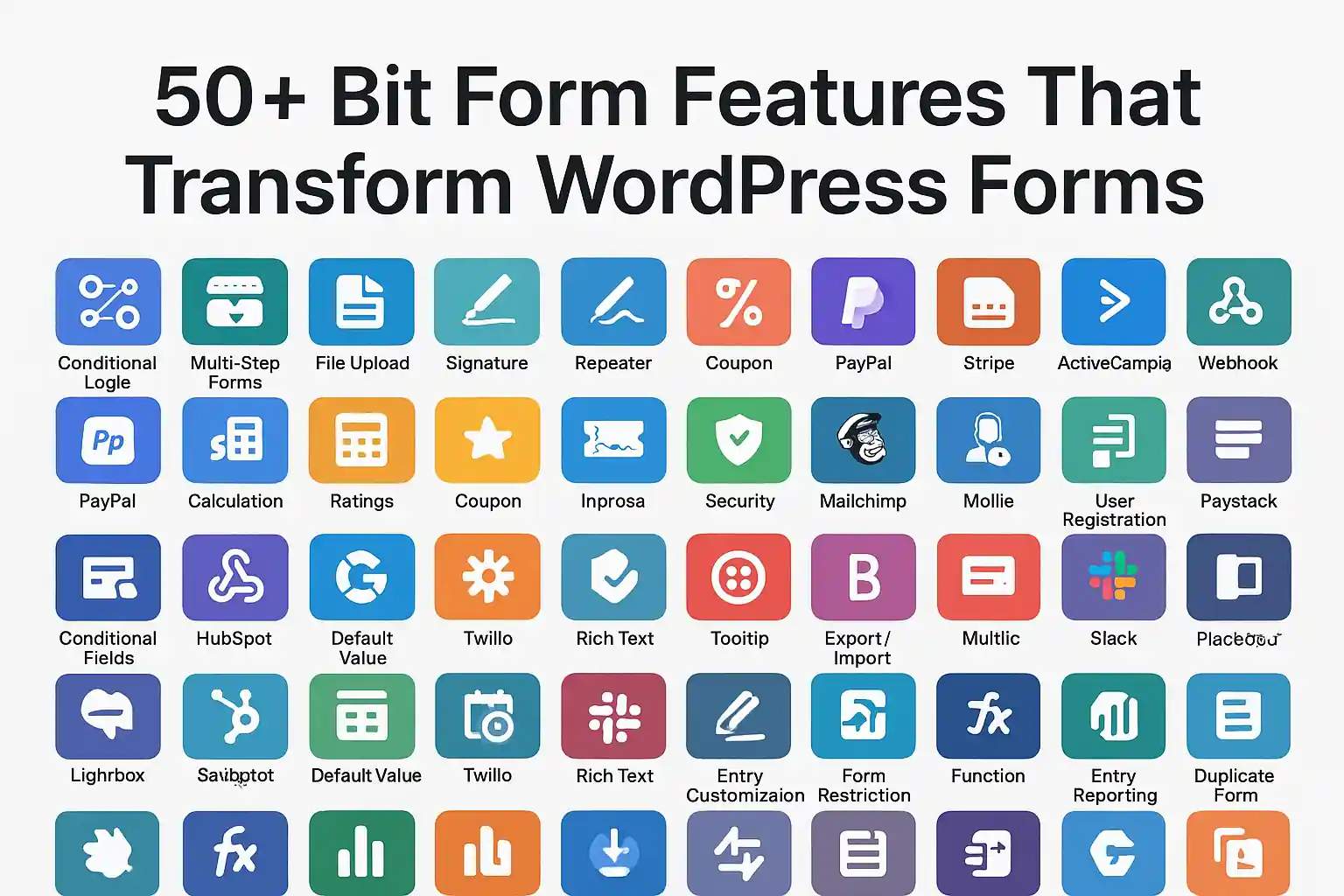
Explore 50+ bit form features including drag & drop, conditional logic, multi-step forms, analytics, and integrations. Master bitform WordPress plugin capabilities.
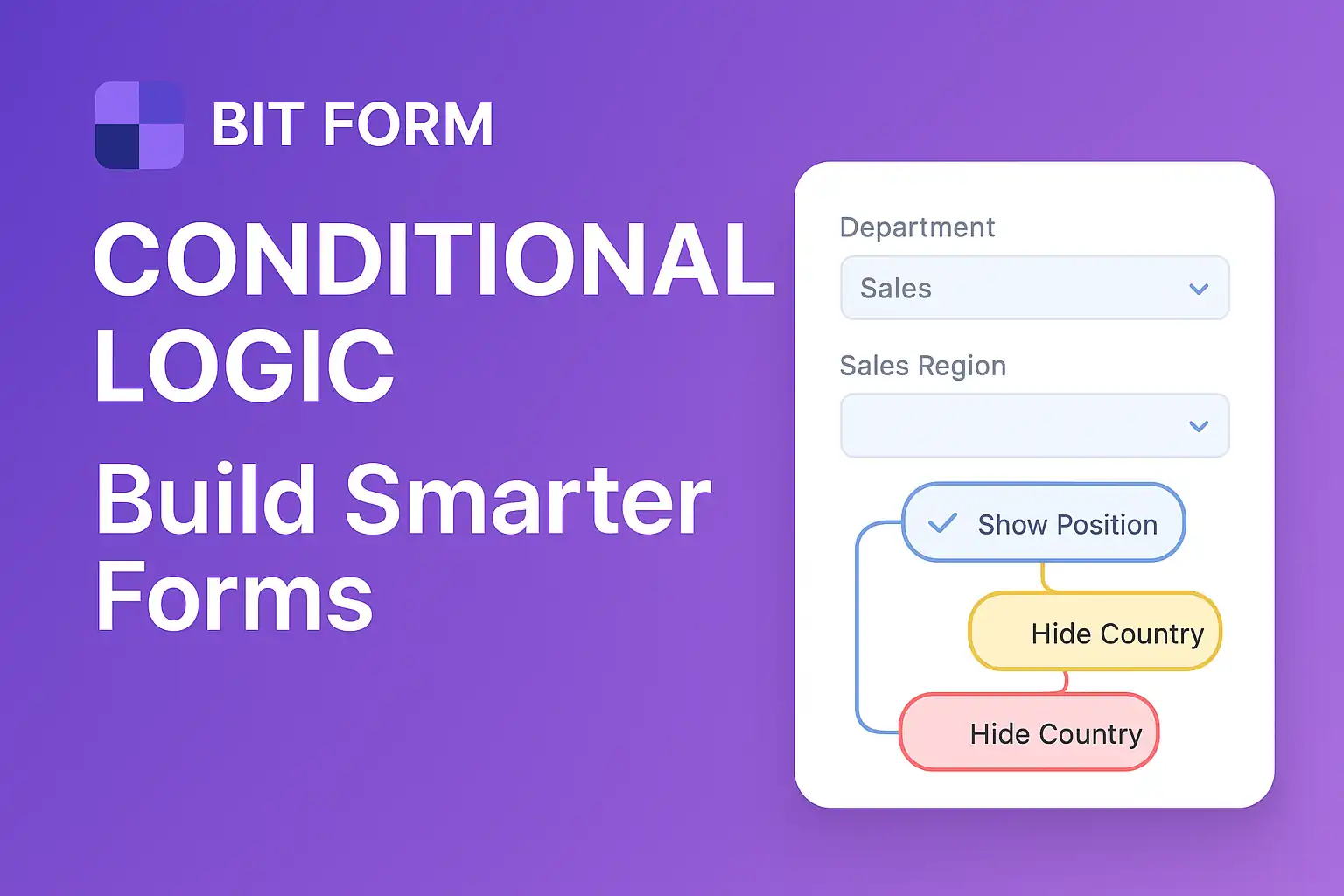
Master form conditional logic in WordPress with Bit Form. Learn how to create smart, dynamic forms using drag-drop builders and conditional rules step-by-step.
Learn Bit Form WordPress plugin inside out. Create contact forms, multi-step applications & surveys. Expert tips for conditional logic & styling.
Guide to integrating PayMongo payment gateway with WordPress and Shopify. Learn about GCash, fees, webhooks, test cards, and developer tools.
Compare PayMongo vs Xendit for your Philippine online store. Discover fees, features, integration options, and which payment gateway fits your business needs.
Discover the key differences between e-commerce platforms and marketplaces. Learn which option suits your business best with real examples and expert insights.

At KS Code, we specialize in crafting high-performing, visually stunning websites tailored to your business needs. From responsive designs to powerful e-commerce solutions, our goal is to help you stand out, engage users, and drive results online.