You’re staring at a basic contact form, wondering how to transform it into a lead-generating machine. The gap between what you need and what most form builders offer feels insurmountable—until you discover what’s actually possible.
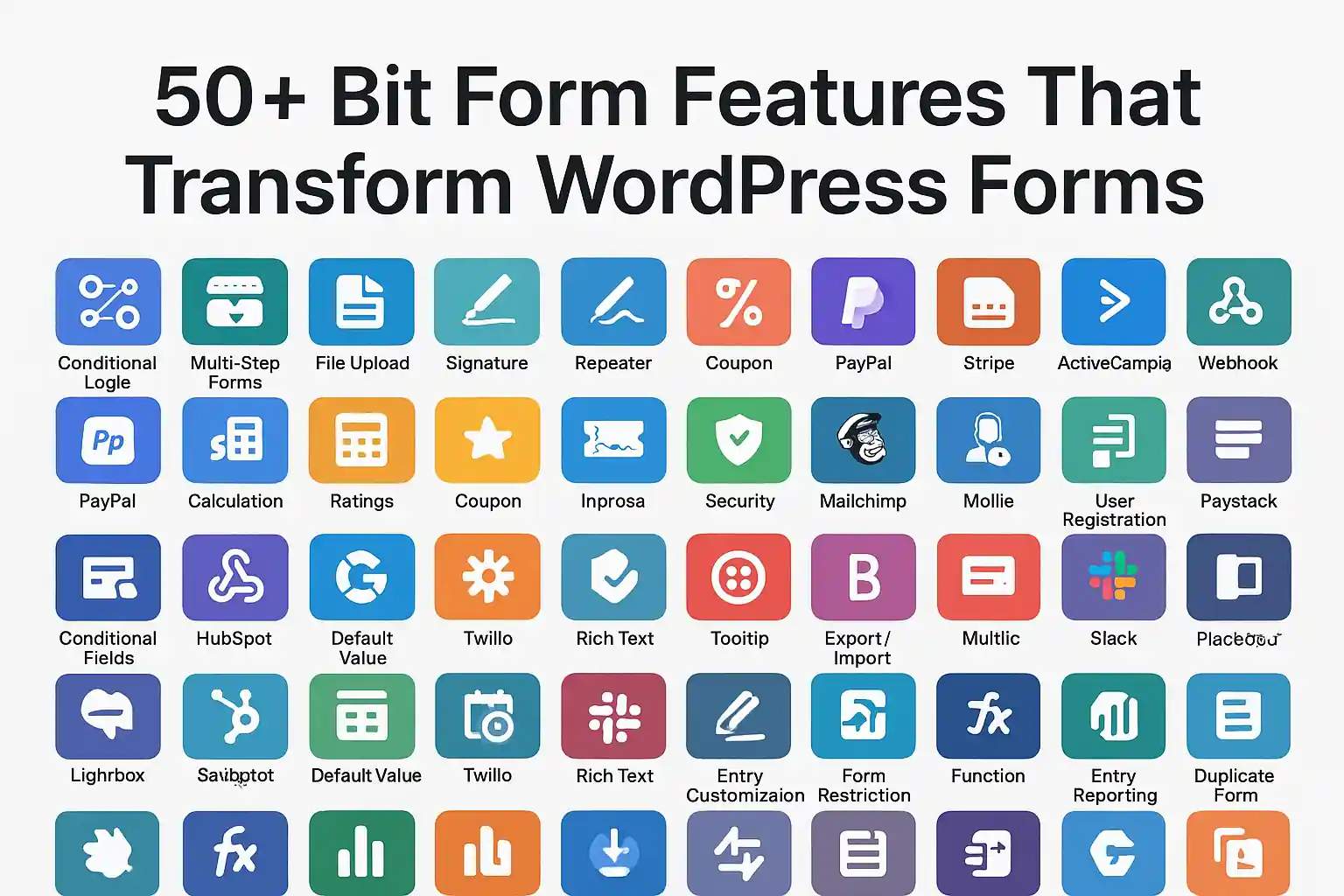
Bit Form features represent one of the most comprehensive toolsets available for WordPress form creation. This deep dive explores every capability that makes Bit Form stand out, from fundamental building blocks to advanced automation. Understanding these features is essential to the broader Bit Form WordPress Plugin: The Ultimate Guide 2026, where we cover implementation strategies and real-world applications.
Let’s break down exactly what you get and how each feature solves specific form-building challenges.
Table of Contents
ToggleQuick Answer: Bit Form features combine 50+ specialized tools including drag-and-drop building, conditional logic, multi-step forms, advanced calculations, payment integrations, and frontend CRUD operations—all within a single WordPress plugin without requiring external dependencies.
Unlike fragmented solutions requiring multiple plugins, bitform features work as an integrated ecosystem. Each component connects seamlessly, letting you build everything from simple contact forms to complex application systems without touching code.
The field library covers every conceivable input scenario:
Each field includes granular validation rules, placeholder customization, and accessibility attributes. You’re not limited to pre-configured options—every field adapts to your specific requirements.
Forget wrestling with shortcodes or configuration panels. The visual builder lets you:
The interface responds immediately. No lag, no page refreshes, no guessing how your form will actually look.
Why start from scratch? The template library includes:
Each template is fully customizable. Use them as-is or modify every element to match your brand.
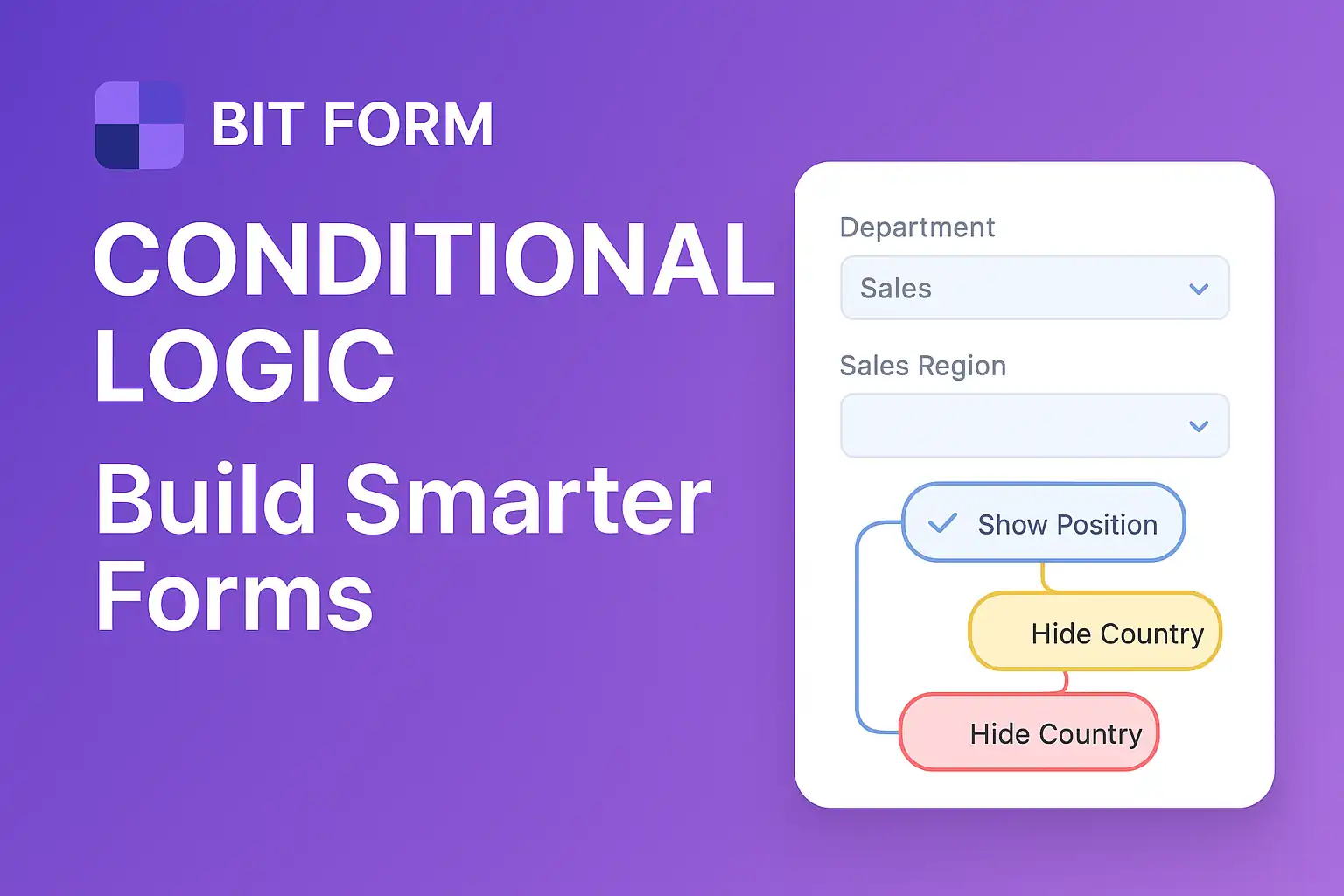
Conditional logic transforms static forms into intelligent conversations. Show or hide fields based on user responses, create branching paths, and display relevant questions only when needed.
The logic builder supports:
For comprehensive conditional logic strategies, check out our guide on Bit Form Conditional Logic: Build Smarter Forms, where we cover advanced implementation patterns.
Long forms kill conversions. Multi-step forms solve this by:
You control navigation—linear progression, free movement between steps, or conditional step routing based on previous answers.
Transform traditional forms into engaging conversations. Instead of overwhelming users with a full form, present one question at a time with smooth transitions. This approach increases completion rates by 20-40% compared to standard layouts.
Build forms that compute values automatically:
The calculation engine supports:
Let users create, read, update, and delete content from the frontend—no WordPress admin access required. Perfect for:
Users manage their own submissions with full edit capabilities while you maintain complete control over permissions.
Inject dynamic data anywhere in your forms:
Shortcodes make forms feel personalized without manual customization.
Transform Bit Form WordPress plugin into a complete user management system:
No separate membership plugin required for basic user management scenarios.
Protect your database from fake registrations. Double opt-in requires users to confirm their email address before:
This feature dramatically improves list quality and reduces spam accounts.
Basic file upload handles common scenarios:
When basic isn’t enough, advanced file upload adds:
Perfect for portfolio submissions, media libraries, or document management systems.
Every form automatically adapts to screen sizes. But bitform features go further:
Your forms look professional on every device without additional configuration.
The visual style editor lets you control:
No CSS knowledge required, but custom CSS is available for advanced users.
Adopt the clean, modern aesthetic of Atlassian products. This pre-configured style option delivers:
One-click application transforms your forms instantly.
Convert forms into full-page experiences. Landing page mode:
Perfect for campaign-specific forms or standalone applications.
Track form performance without Google Analytics:
Identify exactly where users struggle and optimize accordingly.
Capture data even when users don’t complete forms. Partial submissions show you:
This feature alone can recover 15-25% of abandoned form data.
Automatically capture campaign information with each submission:
Connect form submissions directly to advertising spend for accurate ROI tracking.
Multiple layers defend against spam:
Combine multiple methods for maximum protection without frustrating real users.
Built-in compliance tools include:
Stay compliant with European data protection regulations without legal expertise.
Control exactly when forms accept submissions:
Perfect for event registrations, limited offers, or time-sensitive applications.
Sophisticated notification routing:
Automatically generate and attach:
Both administrators and users can receive different attachments based on your configuration.
Bypass WordPress mail limitations with direct SMTP support:
Ensure emails actually reach inboxes instead of spam folders.
Accept payments directly through forms:
Process orders, donations, registrations, and subscriptions without separate e-commerce plugins.
Connect with your existing tools:
Data flows automatically from submissions to your business systems.
Create WordPress content directly from form submissions:
Build content submission portals, directory sites, or collaborative platforms.
The REST API enables:
Hook into form lifecycle with JavaScript events:
Build custom behaviors without modifying plugin code.
WordPress action hooks provide extension points:
Extend functionality while maintaining update compatibility.
Add custom code directly within the plugin:
No theme file editing required.
Move forms between sites effortlessly:
Perfect for agencies managing multiple client sites.
Full support for RTL languages:
Automatically convert submissions to PDF:
Let users add multiple instances of field groups:
Standard dropdowns enhanced with:
These 50+ features aren’t isolated tools—they work together as a cohesive system. Conditional logic controls multi-step progression. Calculations feed into payment integrations. Analytics reveal which conversational form questions cause drop-offs.
The bit form WordPress ecosystem eliminates the plugin sprawl that slows sites and creates compatibility nightmares. One plugin, one interface, unlimited possibilities.
Whether you’re building a simple contact form or a complex application system, bitform plugin features provide the tools you need without forcing you to pay for capabilities you’ll never use.
A: There’s no hard limit on field count. Bit Form handles hundreds of fields in a single form, though we recommend using multi-step forms or conditional logic to improve user experience when dealing with more than 20-30 fields.
A: Yes, Bit Form is theme-agnostic and works with any properly coded WordPress theme. The responsive design adapts to your theme’s styling, and the custom style editor lets you match your brand perfectly.
A: The advanced file upload feature uses chunked uploading to handle large files reliably. You can set custom size limits, restrict file types, and integrate with cloud storage services to keep your server storage manageable.
A: Absolutely. Features are designed to work together seamlessly. You can show payment fields conditionally, calculate prices dynamically, require file uploads for certain selections, and combine any features to create exactly the form behavior you need.
Professional
Expert web development services to grow your business online
Custom website development
Launch a powerful online store
Increase your visibility on search engines
Lightning-fast loading speeds
Protect your digital investment
Learn how QR PH payment works for Philippine e-commerce. Compare PayMongo QR PH vs Xendit QR PH APIs, integration steps, and accepted merchants in 2026.
Master form conditional logic in WordPress with Bit Form. Learn how to create smart, dynamic forms using drag-drop builders and conditional rules step-by-step.
Learn Bit Form WordPress plugin inside out. Create contact forms, multi-step applications & surveys. Expert tips for conditional logic & styling.
Guide to integrating PayMongo payment gateway with WordPress and Shopify. Learn about GCash, fees, webhooks, test cards, and developer tools.
Compare PayMongo vs Xendit for your Philippine online store. Discover fees, features, integration options, and which payment gateway fits your business needs.
Discover the key differences between e-commerce platforms and marketplaces. Learn which option suits your business best with real examples and expert insights.

At KS Code, we specialize in crafting high-performing, visually stunning websites tailored to your business needs. From responsive designs to powerful e-commerce solutions, our goal is to help you stand out, engage users, and drive results online.